Friday, January 15, 2021
Lifeafter Special Items Season 3
Saturday, April 9, 2016
Nightman The Hacker Wizard
Saturday, May 17, 2014
Survivalcraft tutorial
survivalcraft texture edit
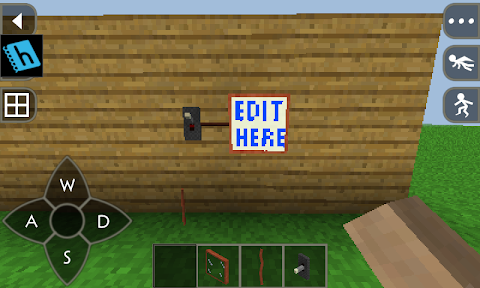
This is just simple tutorial to show you how to edit the texture for survivalcraft. On this tutorial , i am try to make tv from light bulb. when the light bulb turned on, the pixel image not just white color, but colorfull. before , sorry for bad blog post. i dont have computer with internet to setting my blog. just enjoy !
1. download the texture from kaalus.wordpress.com
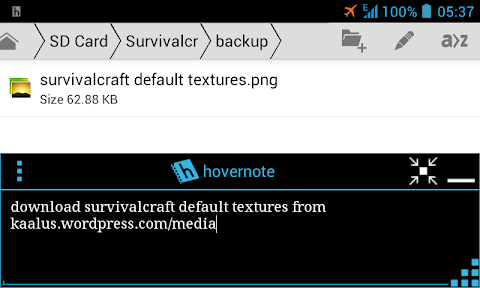
2. open pixel touch or pixel editor you have. for android or pc. just transfer the file for editing.
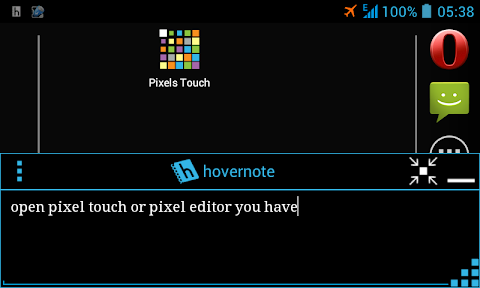
3. on pixel editor browse the file and start editing. i hope you know all about your apps.
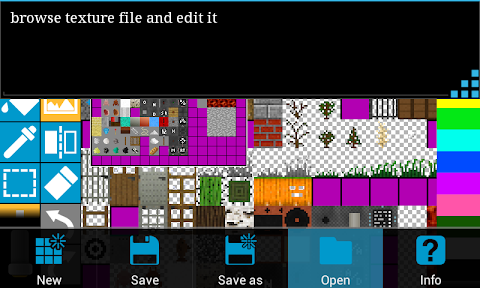
4. in here, i am edit light bulb for making tv. look , there are two light bulb image. on left is off light bulb. and on the right is turned on light bulb. edit the turned on light bulb.
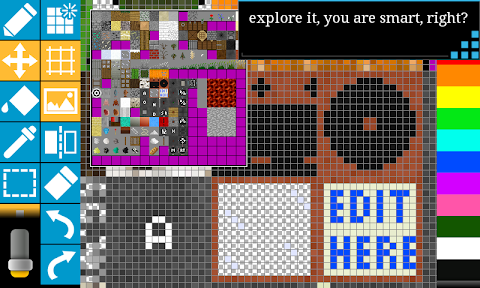
5. are you done editing ? then save the file with whatever name you like. remember the name and dont confuse when searching file on file manager.
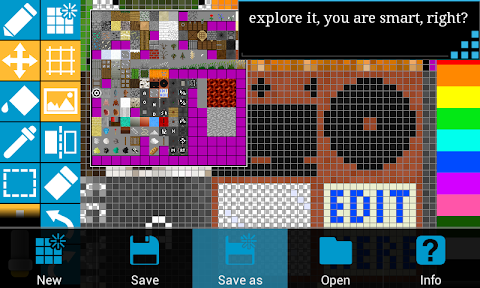
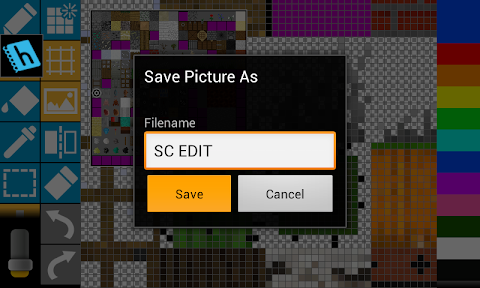
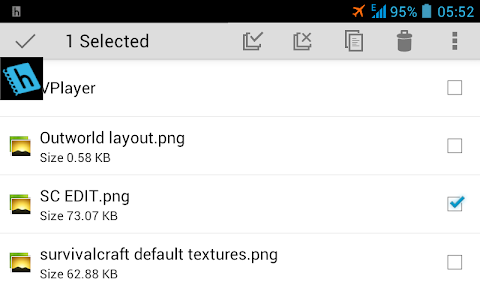
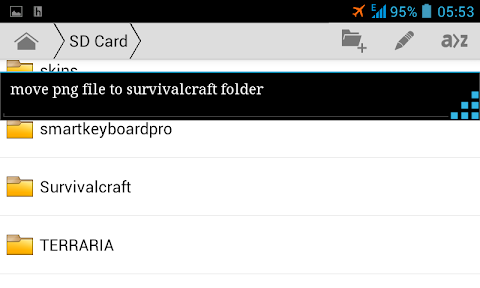
6. browse the png file and move to "sdcard/Survivalcraft" folder. check for mistakes and error. don't complain to me. i guess you are smart.
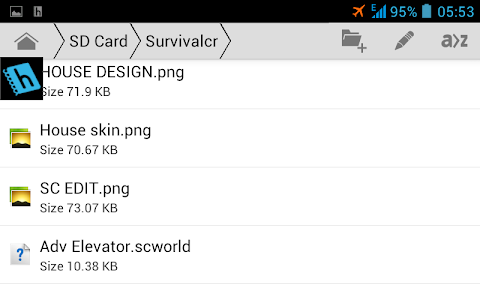
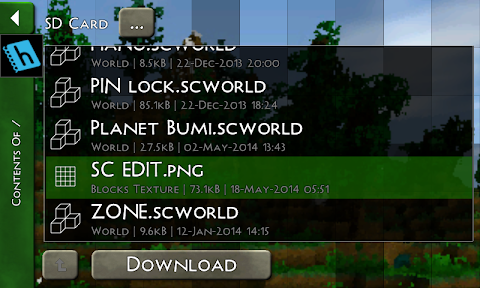
7. play survivalcraft. go to get content menu , private , sdcard and download texture png file.
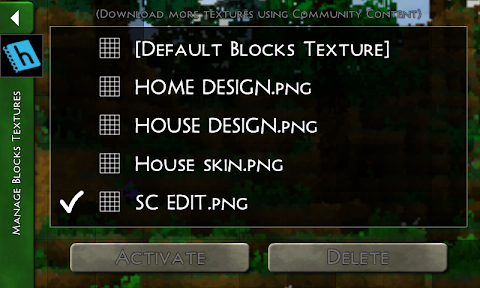
8. go to setting and block textures , change your texture.
9. sorry for bad english , i try harder to make this tutorial. HAPPY GAMING !
Monday, April 21, 2014
Survivalcraft android infinite health
When you play survivalcraft , you asking "why there is no armor in this game ?" Well , i dont know why game developer dont put the armor yet. Maybe on later version. While you are waiting , you can edit the health yourself. And other stats like stamina and air. NO root required !
Sorry for my bad english , i hope you are smart person.
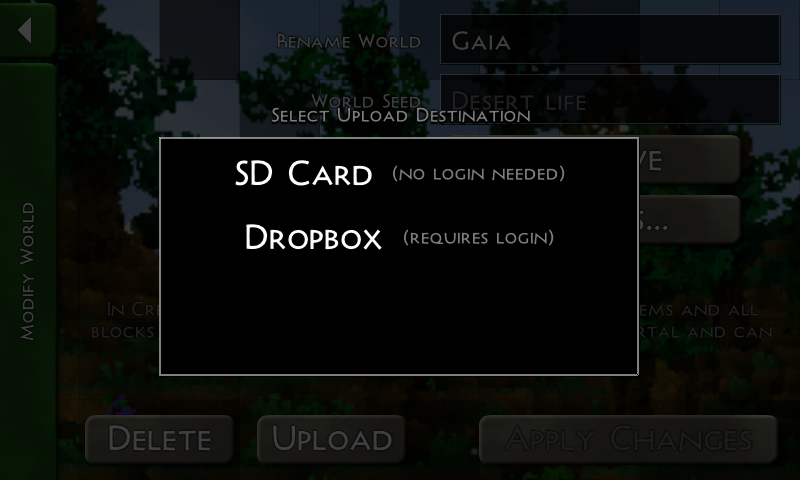
1. First you need to backup your world to sdcard.

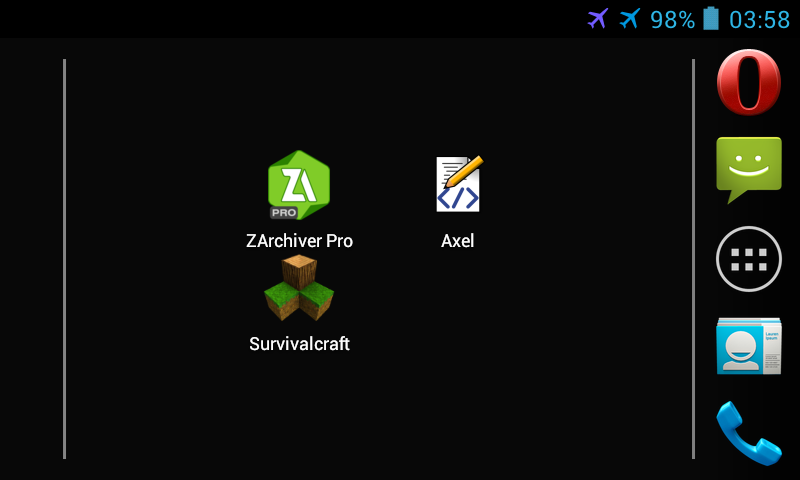
2. You need extract application like winrar. I am using zarchiver in here : https://play.google.com/store/apps/details?id=ru.zdevs.zarchiver
3. You need xml editor. Either for pc or android like this one : axel xml editor , google play link : https://play.google.com/store/apps/details?id=fr.xgouchet.xmleditor

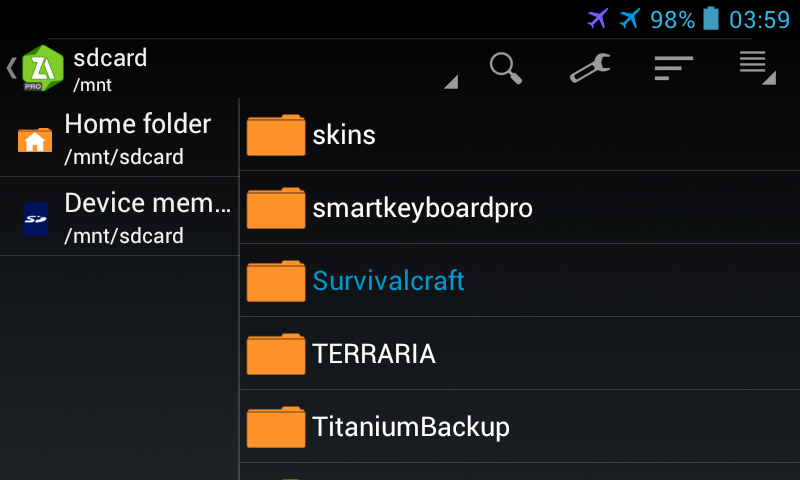
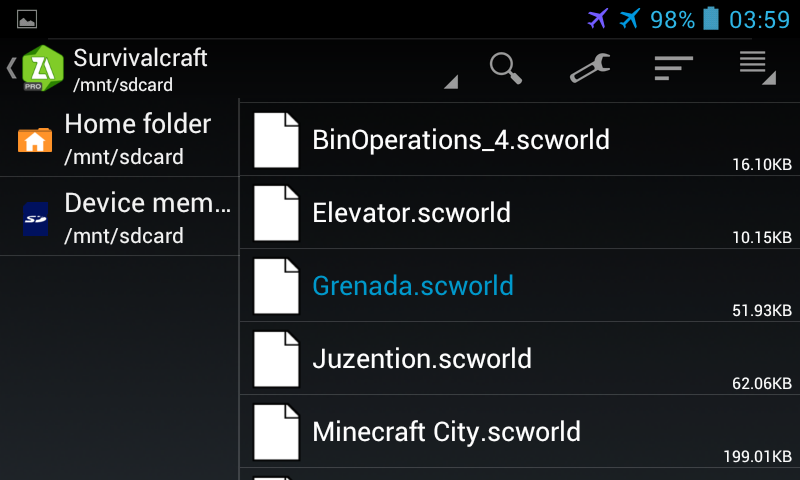
4. Open file manager and find folder "Survivalcraft" on sdcard root. Inside you can found scworld file.


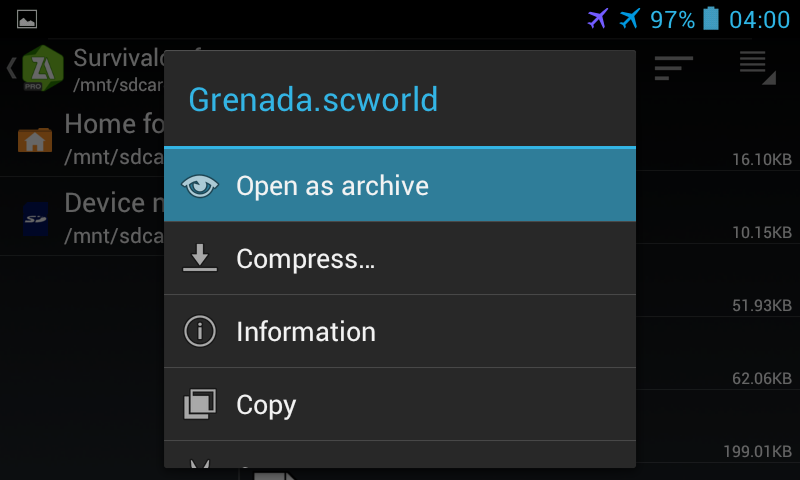
5. Open as archive or rename the extension from "scworld" to "zip" and extract. You can copy the file for backup.

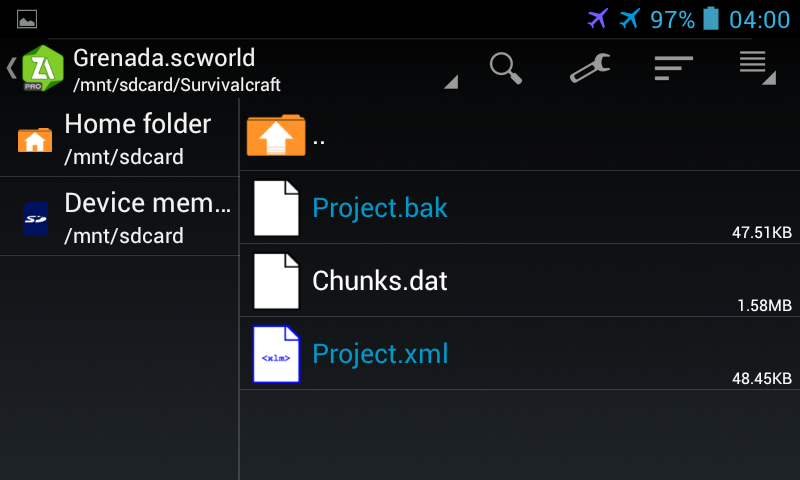
6. Inside you will found three file : project.bak , chunks.dat , project.xml
7. Edit project.bak and project.xml. because its content is same.

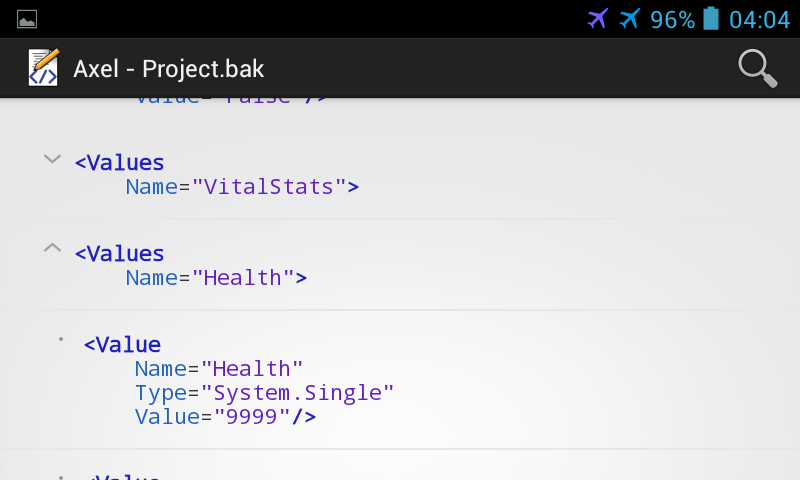
8. Edit with xml editor you have and find the values for health. Under vitalstats , look the picture. Do you see value 9999. Edit there.

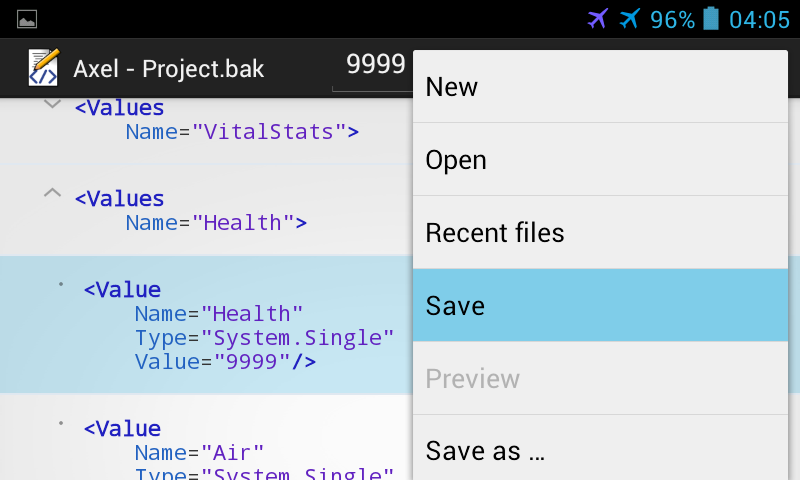
9. Open menu and save file.

10. Compress and rename the extension back to .scworld.
11. Play game and get content.
Happy gaming !